
Useful links disappear across chats, tabs, and bookmarks.
Private beta · iOS & Android
Save it now.
Find it when it matters.
A private read-later and capture app for links, screenshots, PDFs, notes, and voice—stored locally on iOS and Android. No Tuck account required.
See how it works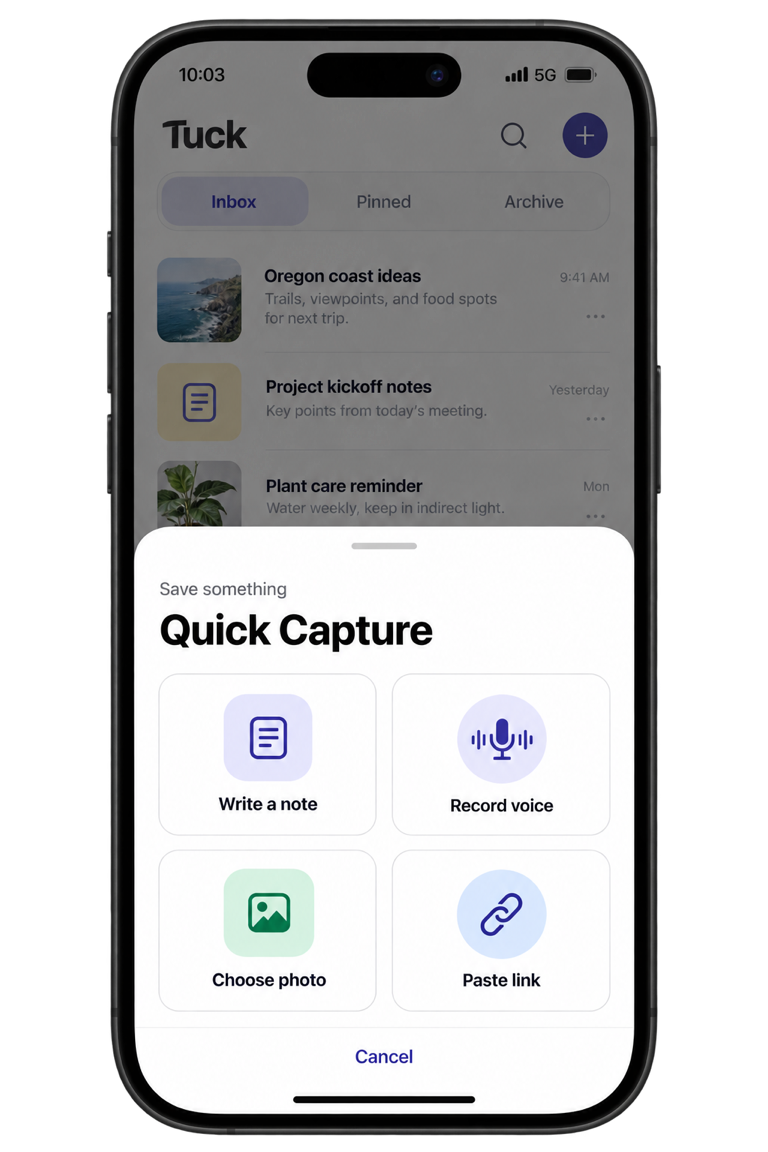
Your save-later system shouldn’t need organizing.
Screenshots and files become difficult to find.
Organizing content at capture time creates friction.
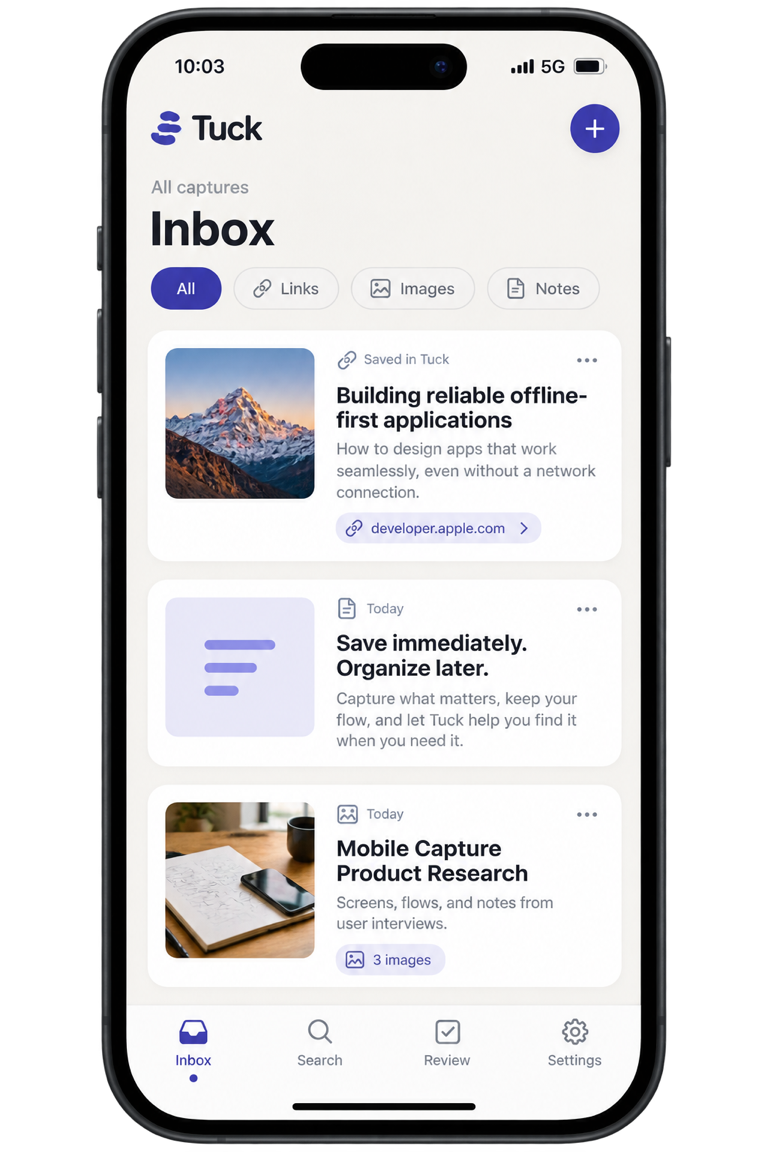
Tuck gives saved items one place to land. Capture first. Decide later.
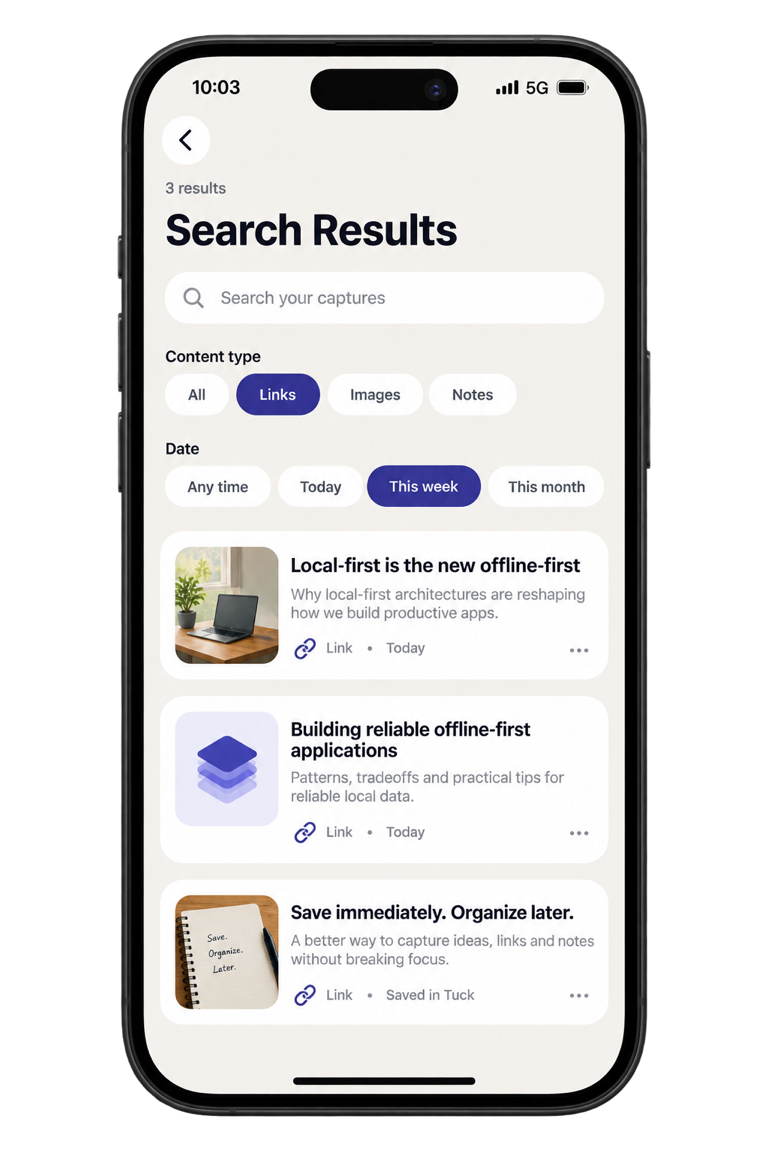
Save a useful link from your browser today, then find it weeks later by title, type, or date—without organizing it first.
What you can save
One inbox for what you want to revisit.
Links
Share a useful page from your browser or paste its address.
Screenshots & photos
Keep visual references beside everything else you save.
Notes
Write down a thought before the moment passes.
PDFs & supported files
Keep shared files in local app storage for offline access.
Voice notes
Record an idea and play it back from its capture.
Review reminders
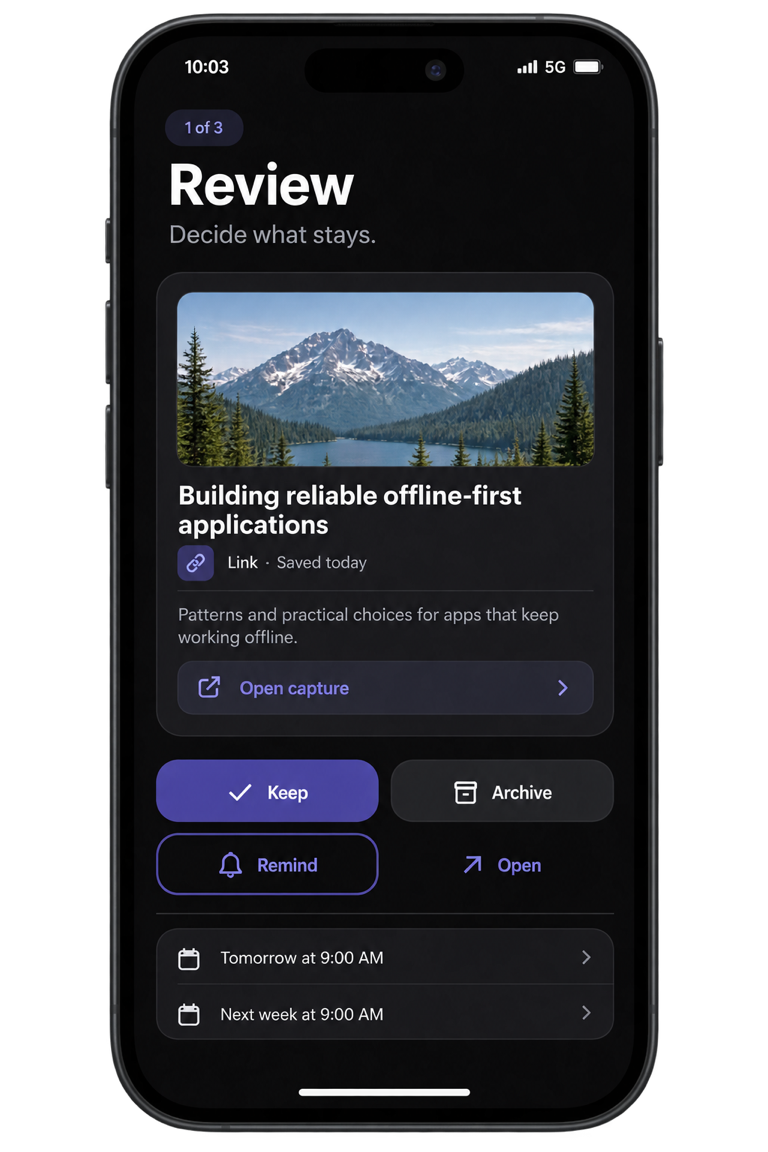
Schedule a local reminder for tomorrow or next week from Review.
Tuck. Find. Review.
Capture first. Decide what matters when you have time.
- 1
Tuck
Share from another app or use Quick Capture.
- 2
Inbox
Everything lands in one inbox. No folders, tags, or manual filing.
- 3
Search
Search titles, notes, URLs, categories, and saved details. Filter by type or date.
- 4
Review
Keep, archive, open, or schedule a reminder.
Quiet by design. Useful by default.
Illustrative previews using non-personal sample content.
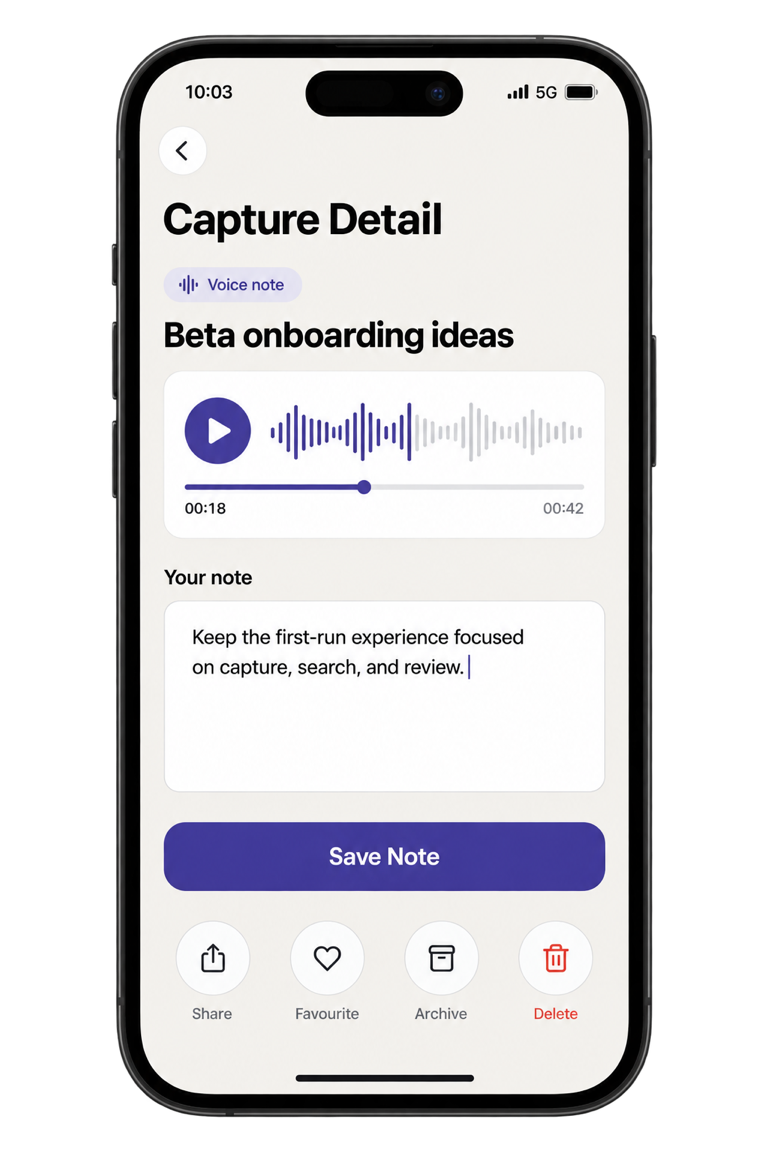
These are generated interface previews based on current Tuck features, not physical-device screenshots. Replace them with final same-size device captures before launch.
Local app. No Tuck account.
Private by default.
Tuck stores captures locally and does not sync them to a Tuck account or cloud library.
Stored locally
Captures and copied attachments are stored in the app’s local storage.
No account required
Open Tuck and start saving without creating a profile.
Delete whenever you want
Remove all captures and their attachments from Settings.
Android cloud backup is disabled.
Tuck does not fetch page content or link previews. Recognized services may load a favicon from Google when capture details open.
This site sends waitlist submissions to Formspree and uses Vercel Web Analytics.
The useful details.
What can I save in Tuck?
Links, screenshots, photos, notes, PDFs, supported files, and voice notes.
Is Tuck available for iOS and Android?
Tuck is being prepared for private beta testing on both iOS and Android.
Do I need an account?
No. Tuck’s core local experience does not require an account.
Does Tuck work offline?
Yes. Saved captures and local attachments remain available without a connection.
Where is my content stored?
Tuck stores captures and copied attachments in the app’s local storage. Android cloud backup is disabled.
When will the beta be available?
We’re testing the core experience now. Waitlist members will be invited in small groups.